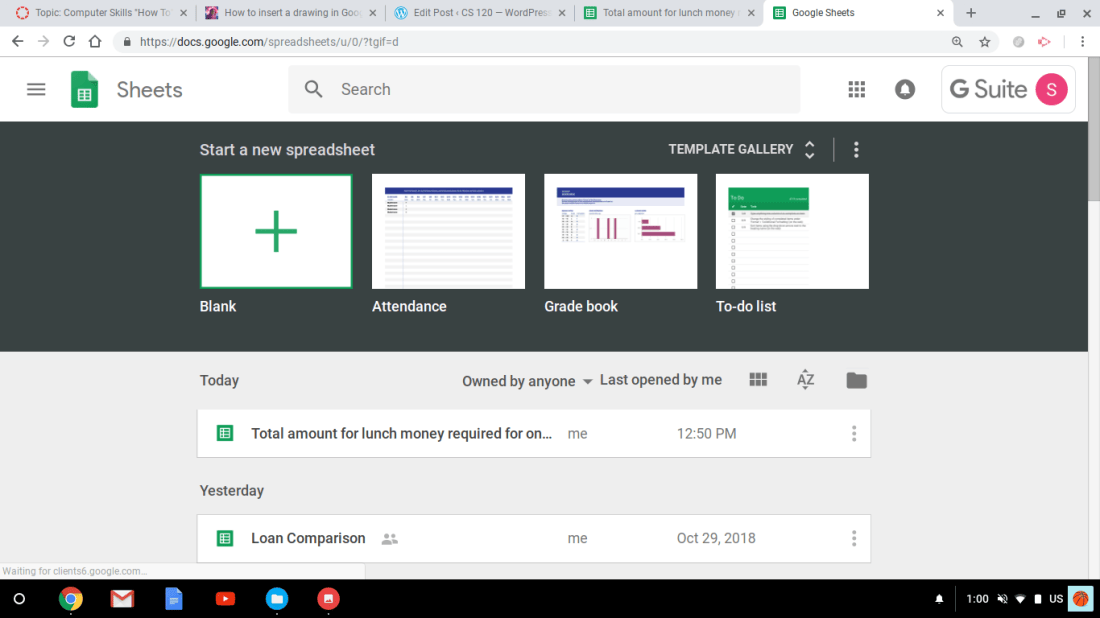
First step- you open a new google sheet and click on blank sheet.
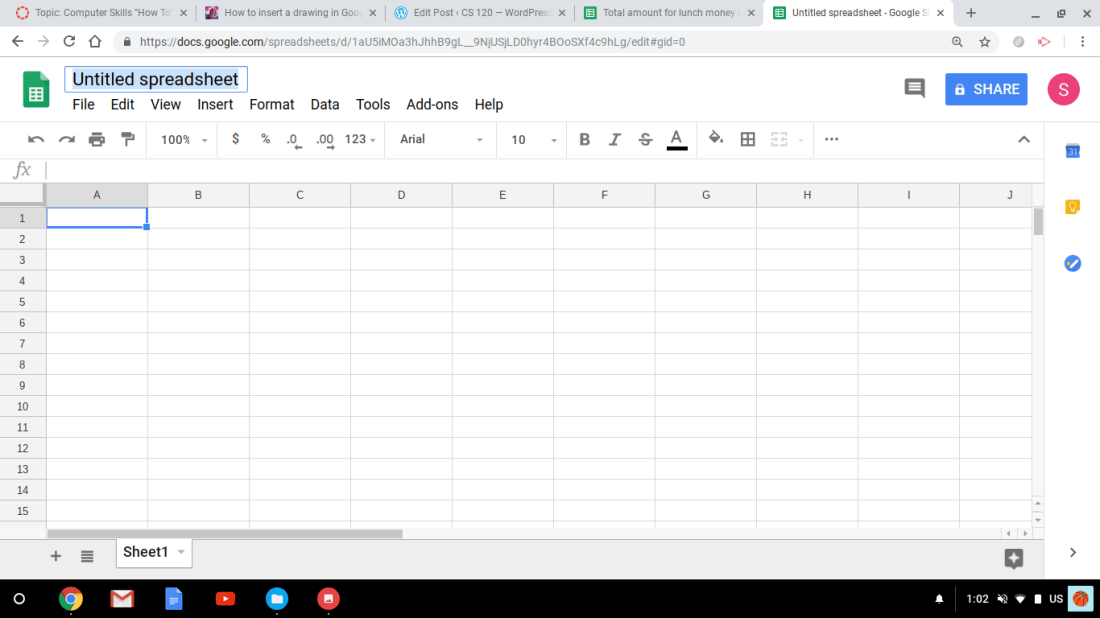
Second step- name your spreadsheet of what you would like it to be. ( Mine is,”Total amount for lunch money for one month).
Third step- begin filling in data or numbers ; say for a loan or a payment you need to know the total. Also add in dates, months and rates/percentages can be included but, mine is simple and covers how much money you spend over one month for lunch.You just type in what’s needed to solve for the rest of the amount by clicking in each column and rows.
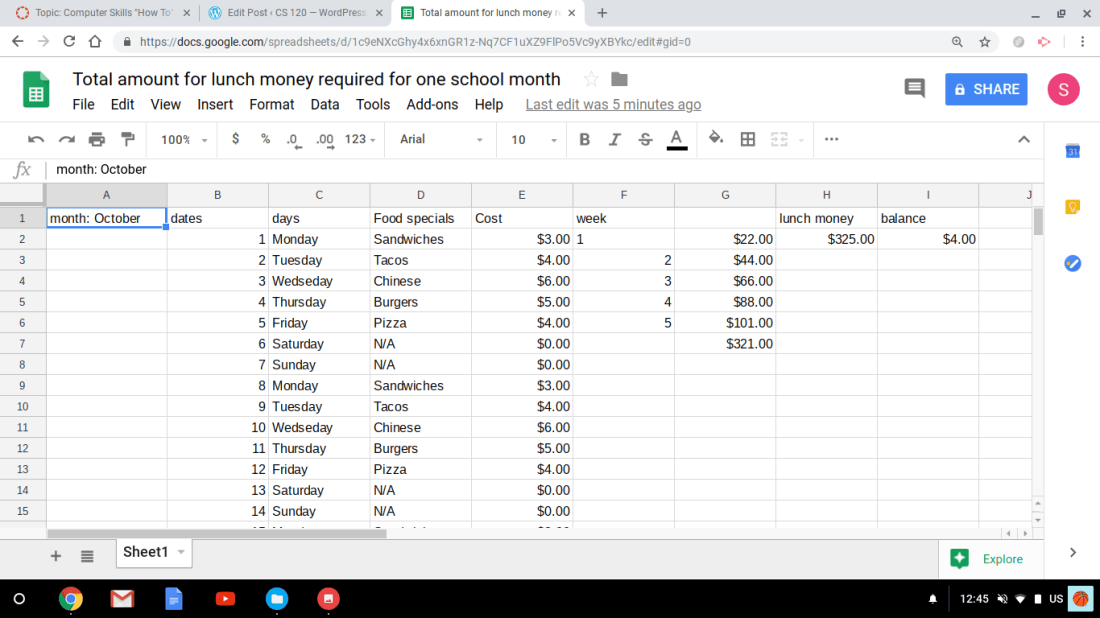
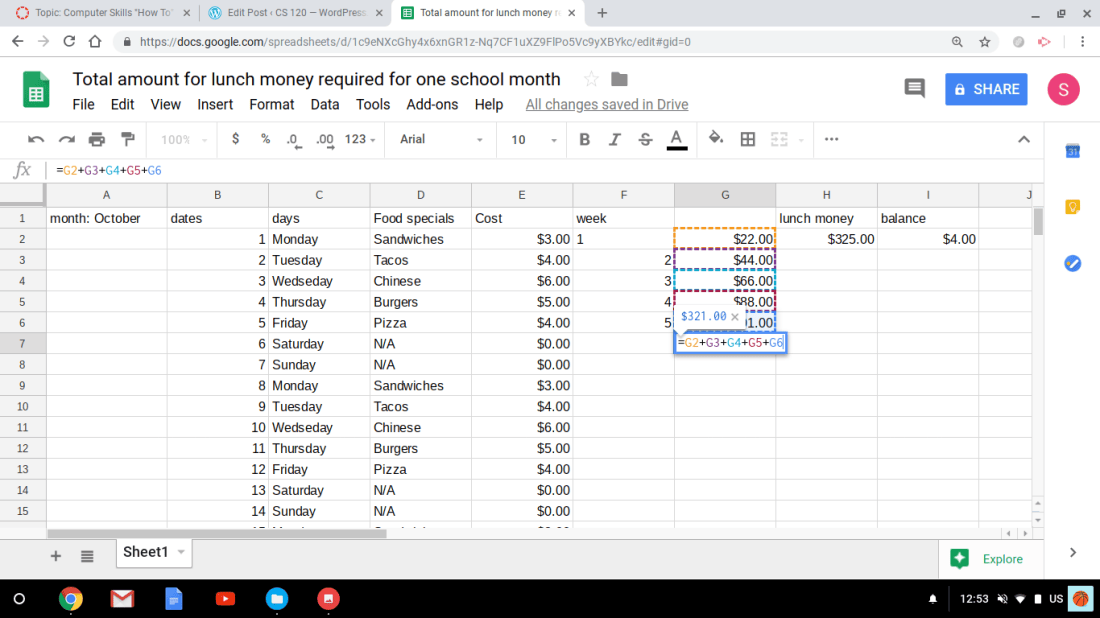
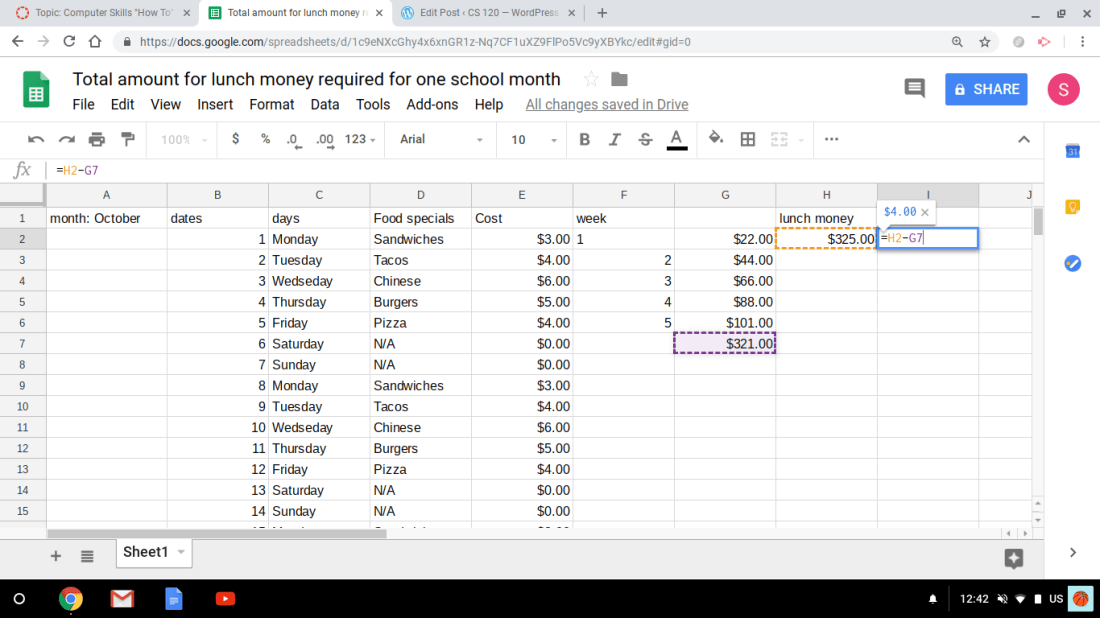
Fourth step- calculate your data and insert a formula for the total/sum. To do so, once you have numerical data in each columns then you create a formula; first put an equal sign(=) in the row and then you would fin the sum by clicking on a row and add another row to it by adding the addition sign next to it. For the total, you would do the same by starting with an equal sign then click on the row or number you want which will appear in different colors. Then you would select a row and minus another row by inserting the subtracting sign(-) and press enter to get your answer.